Pokémon Silver (the 2000 game) in your browser — with a ROM you supply
This page is about Pokémon Silver, the second half of the 1999–2000 pair — not SoulSilver (2009). It runs in our browser emulator from a ROM you backed up from your own cartridge. Silver is a Game Boy Color cartridge that also runs on the original Game Boy, which is worth stating explicitly because Crystal, the version that came after it, is not.
Open the player (upload panel already open)File you need: .gbc
What the game is, and how it differs from Gold
Pokémon Silver released alongside Gold: 21 November 1999 in Japan, 13 October 2000 in Australia, 15 October 2000 in North America, 6 April 2001 in Europe and 24 April 2002 in South Korea, for the Game Boy Color. Silver’s cover legendary is Lugia; Gold’s is Ho-Oh.
The pairing has been the series’ structure since the first generation: one world, two versions, each with Pokémon the other cannot obtain without trading. Silver leans towards the nocturnal — several of its exclusives appear at night, which is one more reason the real-time clock in this generation is not a gimmick.
Everything the second generation added is in both: 100 new Pokémon, breeding, held items, Steel and Dark types, the PokéGear, and the day/night cycle. If you are picking a file, pick by cover legendary and by exclusives, not by quality — there is no quality difference.
Dual mode, not exclusive — the hardware question
Silver shipped on a Dual Mode cartridge: it carries both a Game Boy version and a Game Boy Color version and boots whichever matches the hardware. Its box said "Compatible with Game Boy" and the cartridge shell was black. Crystal, released in 2000 as the enhanced third version, dropped that: Game Boy Color only.
For emulation this means your .gbc dump runs in full colour on the Game Boy core here, and if you want the monochrome experience for old times’ sake, that is a choice you can make by using a grayscale filter — not something the file forces on you.
The compatibility table printed on our Game Boy pages exists because this distinction is exactly where people lose an hour: they buy or download the wrong hardware expectation, not the wrong game.
And the corollary: there is no separate monochrome ROM to find. Both versions live inside the one cartridge image, so the file you dump is a single .gbc — what changes between an original Game Boy and a Game Boy Color is how the hardware boots it, not which file you need.
How to run it here, step by step
The ROM stays in your browser tab; nothing leaves the machine.
- Open the player from the link at the bottom of this page — /play/ with the upload panel open.
- Drop in your .gbc dump of Silver from your own cartridge.
- The Game Boy core is selected from the extension automatically.
- First launch downloads and caches the core.
- Press Enter (Start), then save in-game early — the clock starts on your first save.
Keyboard mapping
Arrows move, Z is A, X is B, Enter is Start, V is Select. Shift is unbound.
| Game Boy button | Keyboard |
|---|---|
| D-Pad | ↑ ↓ ← → |
| A | Z |
| B | X |
| Start | Enter |
| Select | V |
Saving and the legal part
Silver keeps its save in the cartridge, and the save carries the real-time clock state with it. In the emulator both live in browser storage for the ROM file, so timed events survive closing the tab.
Export a save state before anything you would hate to repeat. Original cartridges from 2000 relied on a coin-cell battery to keep that save alive, and those batteries are now old — which is the practical argument for dumping a cartridge you already own.
We provide no file and no link to one. Use a dump of your own cartridge and check your own local rules; the answer differs by country and we are not going to guess on your behalf. Nintendo sells this game through its own services.
Which Game Boy hardware runs this file
Answer this once and the whole family makes sense: what matters is not the extension but whether the cartridge was dual mode or Game Boy Color only.
| Cartridge type | Hardware it runs on |
|---|---|
| Game Boy cartridge (.gb) | An original Game Boy runs it. A Game Boy Color also runs it and adds a colour palette. |
| Game Boy Color, dual mode (.gbc) ← this page | Both versions are inside the cartridge: full colour on a Game Boy Color, monochrome on the original Game Boy. The box said "Compatible with Game Boy". |
| Game Boy Color, exclusive (.gbc) | Game Boy Color only. An original Game Boy cannot run it, and there is no .gb version of this game to find. |
| Game Boy Advance (.gba) | Different hardware entirely. It does not fit a Game Boy or a Game Boy Color, so a .gb or .gbc file is not a lower-quality copy — it is the wrong file. |
More in this series
Legal games you can play right here, without providing anything
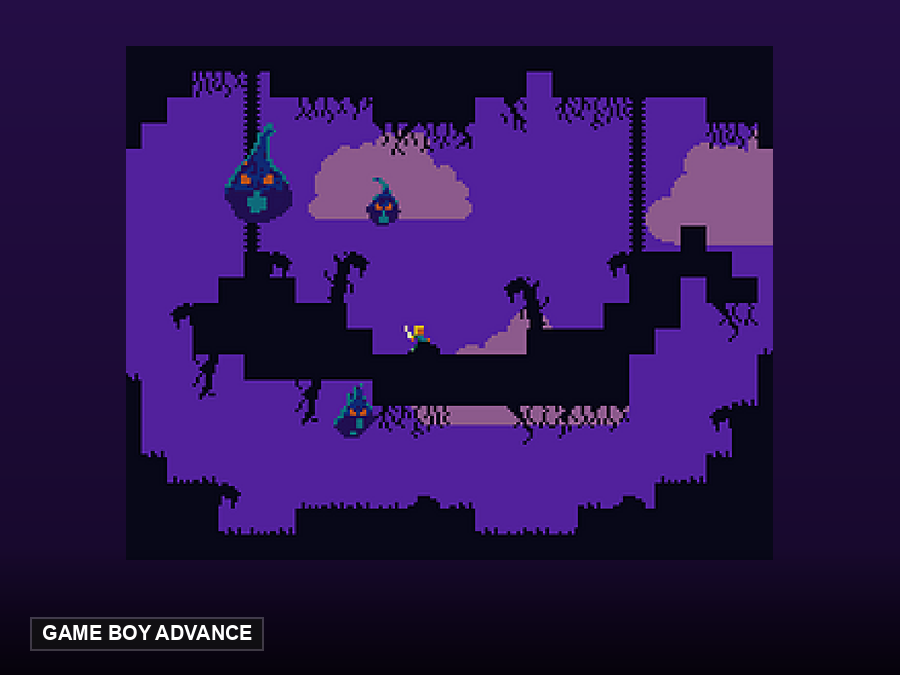
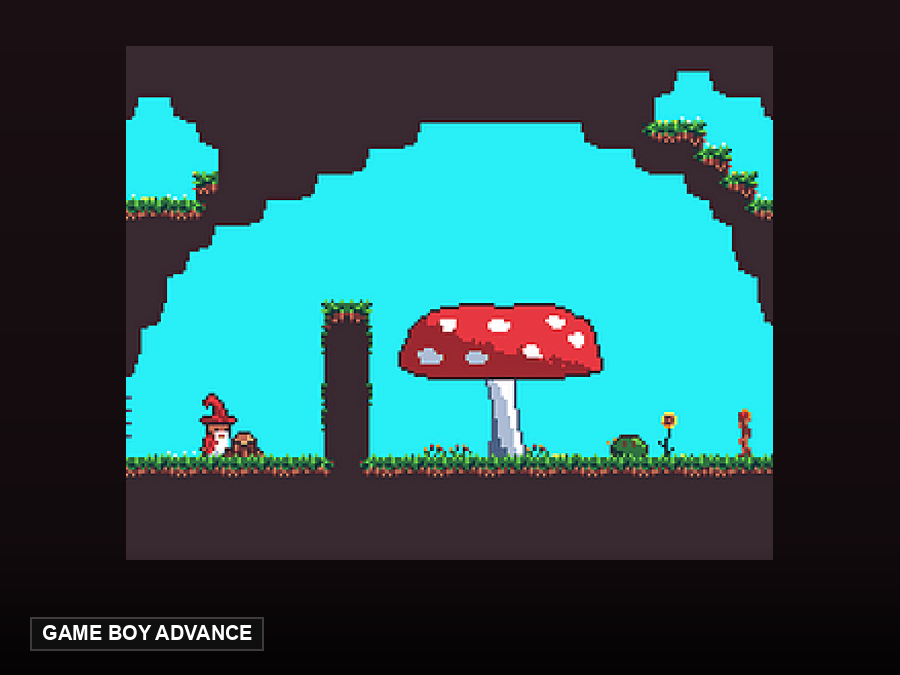
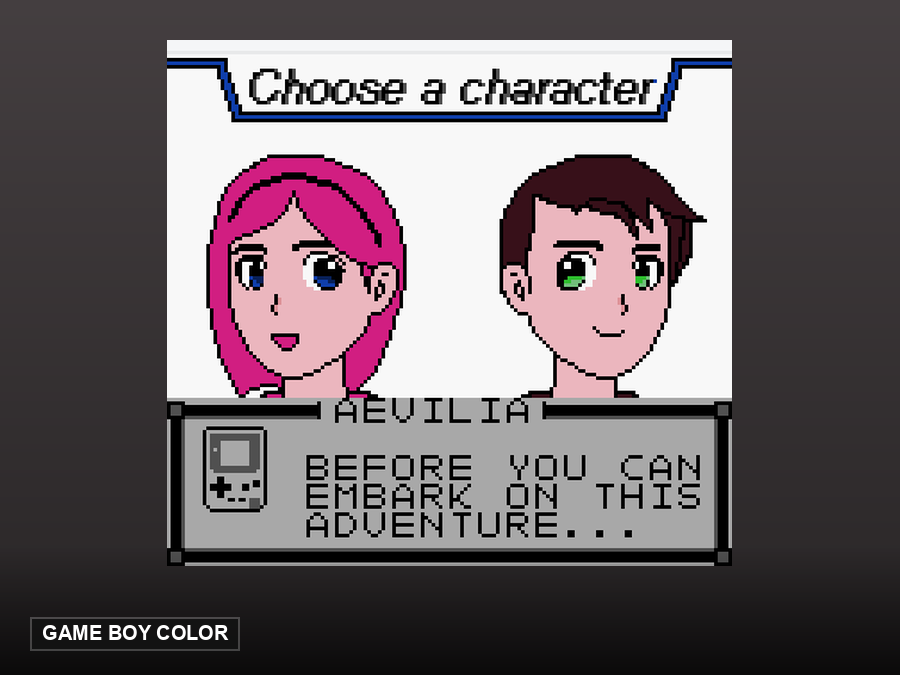
These are open-source homebrew games hosted by this site. They start in one click — no ROM needed, because their authors released them for redistribution.
FAQ
Is this Silver or SoulSilver?
Silver, the 2000 Game Boy Color original. SoulSilver (2009) is a DS remake.
Which file do I need?
A .gbc dump of your own cartridge.
Does it need a Game Boy Color?
No. Silver is a Dual Mode cartridge with both versions inside, so the original Game Boy is a supported way to play it. Crystal is the Game Boy Color-only one.
What is different from Gold?
Cover legendary (Lugia vs Ho-Oh) and version-exclusive Pokémon. Same generation, same systems, no quality difference.