Pokémon FireRed (the 2004 GBA remake) in your browser — with a ROM you supply
Start with the disambiguation, because the search term is crowded: this page is about Pokémon FireRed Version for the Game Boy Advance, the 2004 remake of the 1996 originals — not Pokémon Scarlet, not Pokémon GO, not any Switch-era re-release. And yes — it runs here, saves and all. The player reads your own .gba file locally in your browser: drag it in, press Start, and you are in Kanto, with your in-game save stored in the browser and exportable as a backup. That matters, because GBA cartridges carry save batteries, and FireRed’s is now old enough that dead-battery saves are a real thing people discover the hard way.
Open the player (upload panel already open)File you need: .gba
What the 2004 game is, and why this is the remake to play
Pokémon FireRed and LeafGreen were released for the Game Boy Advance on 29 January 2004 in Japan, 7 September 2004 in North America, 23 September 2004 in Australia and 1 October 2004 in Europe. Game Freak developed them; The Pokémon Company and Nintendo published them. They are remakes of the 1996 Red and Green, rebuilt on the Ruby and Sapphire engine — the first enhanced remake in the series, and the template for the ones that followed.
That engine matters more than it sounds. You get the Kanto story with the third generation’s mechanics: a running toggle that halves your travel time, a contextual help system one button press away, abilities and natures on every Pokémon, and compatibility with Ruby, Sapphire and Emerald for trading. The original story — eight gyms, Team Rocket, the Elite Four, all 151 of the first generation — is intact, but the friction that was acceptable in 1996 is gone.
The remake also adds content the originals never had. The Sevii Islands are a post-game archipelago that opens partway through the story: new areas, new storylines, and access to Pokémon the Kanto dex alone would never give you. FireRed was also the first Pokémon game to ship with the Game Boy Advance Wireless Adapter in the box — trading without a link cable was a genuine novelty in 2004.
What playing it today actually feels like
The first ten minutes are deliberately familiar. You pick a name, your rival picks the starter that beats yours, and the game walks you north to the first gym at a pace that respects that some players have not touched a Pokémon game in twenty years. The early game is gentle; the difficulty arrives where it always did — Lt. Surge if your team is under-leveled, Sabrina if you brought a fighting-heavy team and nothing else.
The modern addition that returning players miss is the help system. Pressing Select opens a contextual explanation of whatever screen you are on — the one button people forget exists, and the one that makes the game playable for someone who does not remember what "PP" means. If you are returning to Kanto after decades, that button is the difference between a nostalgia tour and a wall.
How to run it here, step by step
The ROM never leaves your device. The emulator reads it as a local file in your browser tab; nothing is uploaded, and there is no server-side copy of your file.
- Open the player from the link at the bottom of this page — the upload panel is already open.
- Click or drag in your file. You need a .gba dump of FireRed from your own cartridge.
- The player selects the GBA core from the file extension automatically — no configuration.
- The first launch takes a couple of seconds; after that, starts are instant.
- Press Enter (Start) through the title and intro. Then save in-game immediately — see the saving section for why that order matters.
Keyboard mapping
Arrow keys move, Z is A, X is B, Enter is Start, V is Select, and the shoulders are Q for L and E for R. Shift is unbound.
In FireRed, Z is the confirm key in every menu, so it does most of your navigating — and V (Select) opens the contextual help system, the most forgotten and most useful button on the pad for a returning player.
| GBA button | Keyboard |
|---|---|
| D-Pad | ↑ ↓ ← → |
| A | Z |
| B | X |
| L | Q |
| R | E |
| Start | Enter |
| Select | V |
Saving: the in-game save is not the same as a save state
FireRed saves in-game to the cartridge image — that is the real save, and it holds your badges, your team and your Pokédex. In the emulator, that write goes into the browser’s storage for that file.
Save states are a separate system: full machine snapshots you can take before a legendary encounter, a gym fight, or any decision you might regret. Keep both — the in-game save is your progress, the state is your undo button. States export to a file, so a run is not trapped in one browser profile.
One practical warning: save in-game early, before you have invested an hour. If a browser clears its storage, a save state you forgot to export will not save you — and a game that asks you to save at a Pokémon Center makes that easy to postpone.
The legal part, stated plainly
We provide no file, no download and no link to one. Pokémon, FireRed and LeafGreen are trademarks of Nintendo, Creatures Inc. and GAME FREAK Inc., and the games are their copyright; this site is not affiliated with them. The emulator is the product; the ROM is yours to supply, from a cartridge you own.
Whether backing up your own cartridge is permitted where you live is a question for your jurisdiction, not something we will gloss over. What we can state exactly is the technical arrangement: the player reads your file locally, processes it in your browser, and never transmits it anywhere.
Which Game Boy hardware runs this file
Answer this once and the whole family makes sense: what matters is not the extension but whether the cartridge was dual mode or Game Boy Color only.
| Cartridge type | Hardware it runs on |
|---|---|
| Game Boy cartridge (.gb) | An original Game Boy runs it. A Game Boy Color also runs it and adds a colour palette. |
| Game Boy Color, dual mode (.gbc) | Both versions are inside the cartridge: full colour on a Game Boy Color, monochrome on the original Game Boy. The box said "Compatible with Game Boy". |
| Game Boy Color, exclusive (.gbc) | Game Boy Color only. An original Game Boy cannot run it, and there is no .gb version of this game to find. |
| Game Boy Advance (.gba) ← this page | Different hardware entirely. It does not fit a Game Boy or a Game Boy Color, so a .gb or .gbc file is not a lower-quality copy — it is the wrong file. |
More in this series
Legal games you can play right here, without providing anything
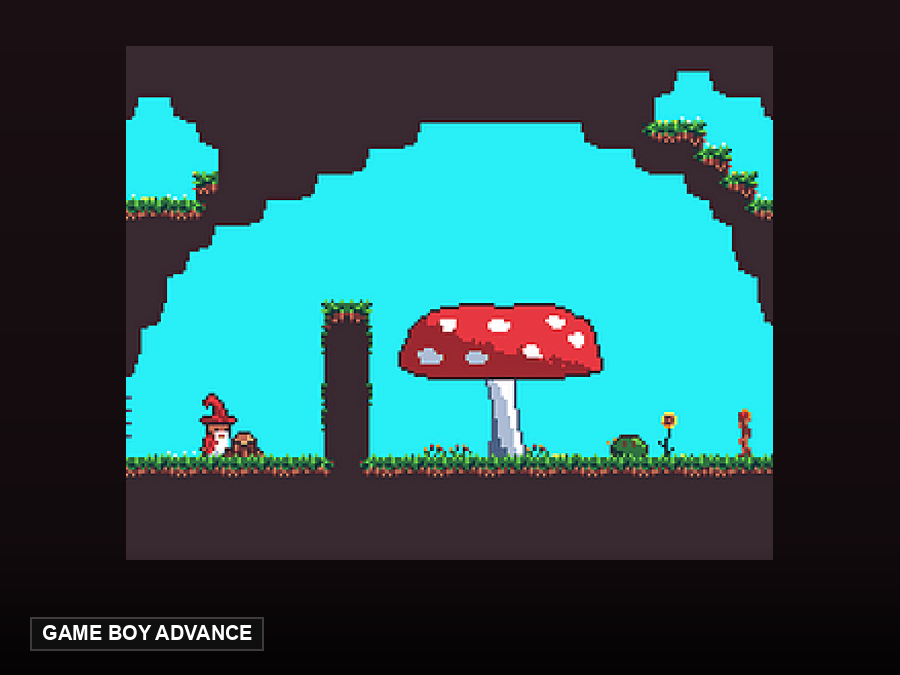
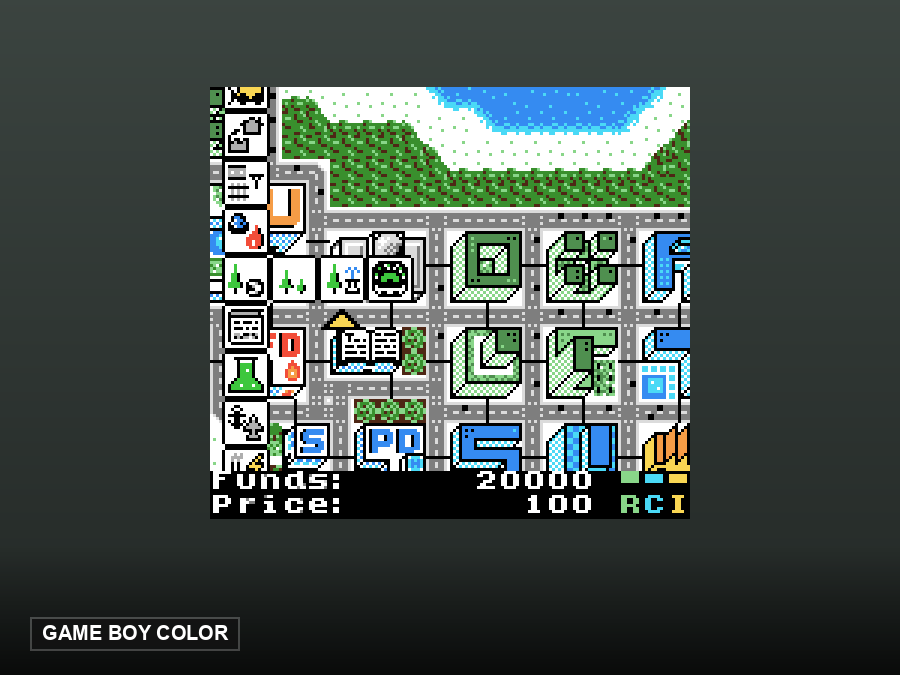
These are open-source homebrew games hosted by this site. They start in one click — no ROM needed, because their authors released them for redistribution.
FAQ
Do I need my own ROM?
Yes — this game needs one, and we do not provide it. If you would rather play something that needs no files, this site hosts open-source homebrew games that start in one click — Minicraft GBA is a full survival adventure on the same hardware, or try µCity for something slower-paced.
Is this the original Pokémon Red?
No — it is the 2004 Game Boy Advance remake of the 1996 originals. The story and the original 151 are the same; the engine, quality of life and post-game content are new.
FireRed or LeafGreen — which one?
The games are mirror versions: same Kanto, same story, a handful of exclusive Pokémon each. FireRed pairs with the original Red’s exclusives; LeafGreen with Green’s. Everything else, including the Sevii Islands, is identical.
Can I trade with Ruby, Sapphire or Emerald?
Only through the original link features, which browser emulation does not provide. Treat it as a single-player experience.
What is the Select button for?
It opens the contextual help system — an explanation of the current screen, written for players who do not remember 1996-era Pokémon mechanics. On this keyboard, Select is V.