Pokémon Gold (the 1999 game) in your browser — with a ROM you supply
This page is about Pokémon Gold, released in 1999 as one half of the second generation — not HeartGold (2009). It runs in our browser emulator from a ROM you backed up from your own cartridge, and the detail that matters most here is one almost nobody gets right: Gold is a Game Boy Color cartridge that was also built to run on the original black-and-white Game Boy. That is the opposite of Crystal.
Open the player (upload panel already open)File you need: .gbc
What the 1999 game is
Pokémon Gold and Silver were released for the Game Boy Color on 21 November 1999 in Japan, 13 October 2000 in Australia, 15 October 2000 in North America, 6 April 2001 in Europe and 24 April 2002 in South Korea. They are the second generation, and the jump they made is still visible in every Pokémon game since.
The list: 100 new Pokémon, a real-time clock that gave the world day and night, breeding, held items, the PokéGear, and two new types — Steel and Dark — added partly to fix the psychic dominance of the first generation. Take the clock away and half of the game’s identity goes with it: some Pokémon only appear at night, some events only happen on certain days.
Gold and Silver are a pair, not a remaster and a sequel. Gold’s cover legendary is Ho-Oh and Silver’s is Lugia, and each version has Pokémon the other cannot catch, so which file you have decides part of your team.
Game Boy Color, but not Game Boy Color only — the part that matters
Gold shipped on a Dual Mode cartridge. Those cartridges contain both a Game Boy version and a Game Boy Color version of the game and boot the appropriate one depending on the hardware — the box said "Compatible with Game Boy", and the plastic was black to distinguish it from Game Boy Color-only carts. Crystal is the one that is not compatible: its cartridge is Game Boy Color only.
Practically, for you: your file is a .gbc dump, and the Game Boy core here handles it with full colour. If your memory of the game is monochrome, that is because you played it on an original Game Boy, and that was a supported way to play it — not a degraded one.
This is why we print a compatibility table on the Game Boy family pages: the difference between "Game Boy Color game" and "Game Boy Color only game" is invisible on a product page and very visible when someone hands you a cartridge and a machine that cannot run it.
Do not go looking for the monochrome build as a separate file. A dual-mode cartridge holds both versions inside one image, and the dump you make of it is still a single .gbc file — the hardware decides which half runs, and in an emulator you decide by choosing the core and, if you want, a grayscale filter.
How to run it here, step by step
The file is read locally in your tab; nothing is uploaded.
- Open the player from the link at the bottom of this page — /play/ with the upload panel open.
- Drop in your .gbc dump of Gold. It is a Game Boy Color cartridge, so .gbc is the extension you want; a .gb file here is not Gold.
- The Game Boy core is selected automatically from the extension.
- First launch fetches and caches the core; after that it skips the fetch.
- Press Enter (Start), then save in-game before you leave the first town — the clock keeps running and that matters later.
Keyboard mapping
Arrow keys move, Z is A, X is B, Enter is Start, V is Select. Shift is unbound.
| Game Boy button | Keyboard |
|---|---|
| D-Pad | ↑ ↓ ← → |
| A | Z |
| B | X |
| Start | Enter |
| Select | V |
Saving, the clock, and the legal part
Gold saves in-game, and the save is tied to a real-time clock that lives in the cartridge. In the emulator both the save and the clock state land in browser storage for that ROM file, so day and night events continue between sessions.
On real hardware the original cartridge batteries are now decades old, which is the standard reason people dump a cart they already own: the copy keeps working after the battery dies. Export a save state occasionally, because browser storage is the only place this progress exists.
We provide no file and no link to one. Use a dump of your own cartridge and check what your own jurisdiction allows — this is not the same everywhere and we will not pretend it is. Nintendo sells the game through its own services if you want a clean route.
Which Game Boy hardware runs this file
Answer this once and the whole family makes sense: what matters is not the extension but whether the cartridge was dual mode or Game Boy Color only.
| Cartridge type | Hardware it runs on |
|---|---|
| Game Boy cartridge (.gb) | An original Game Boy runs it. A Game Boy Color also runs it and adds a colour palette. |
| Game Boy Color, dual mode (.gbc) ← this page | Both versions are inside the cartridge: full colour on a Game Boy Color, monochrome on the original Game Boy. The box said "Compatible with Game Boy". |
| Game Boy Color, exclusive (.gbc) | Game Boy Color only. An original Game Boy cannot run it, and there is no .gb version of this game to find. |
| Game Boy Advance (.gba) | Different hardware entirely. It does not fit a Game Boy or a Game Boy Color, so a .gb or .gbc file is not a lower-quality copy — it is the wrong file. |
More in this series
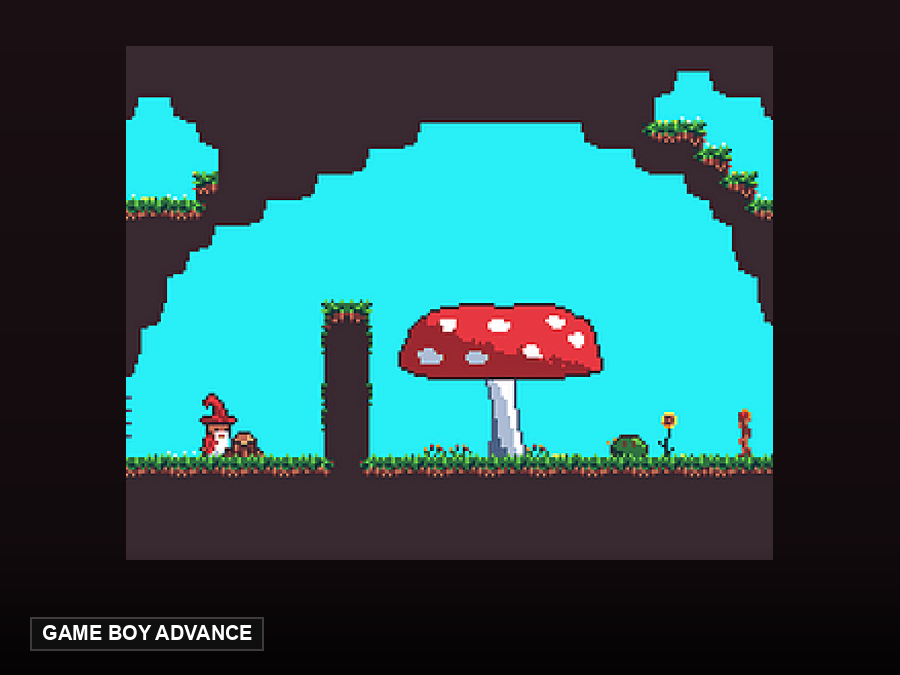
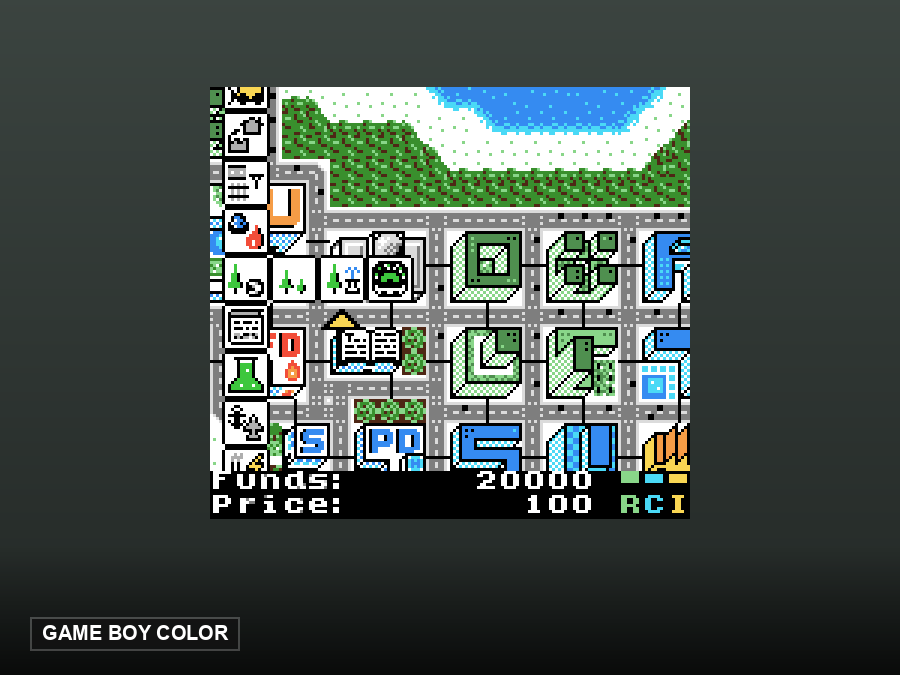
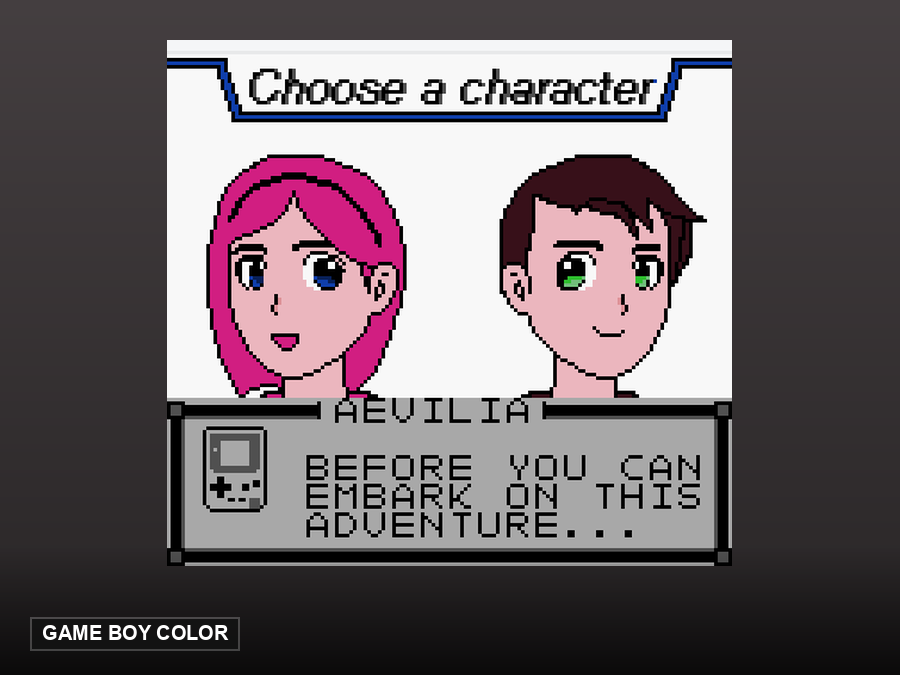
Legal games you can play right here, without providing anything
These are open-source homebrew games hosted by this site. They start in one click — no ROM needed, because their authors released them for redistribution.
FAQ
Is this Gold or HeartGold?
Gold, the 1999 Game Boy Color original. HeartGold (2009) is a Nintendo DS remake and a different ROM.
Which file do I need?
A .gbc dump of your own cartridge. Gold is a Game Boy Color cartridge with a .gbc extension.
Can it run on an original Game Boy?
Yes. Gold shipped on a Dual Mode cartridge that contains both versions, so it plays in monochrome on the original Game Boy and in colour on a Game Boy Color. Crystal is the opposite case.
Does the day/night clock work?
Yes — the save and the clock state are kept in browser storage for that ROM file.