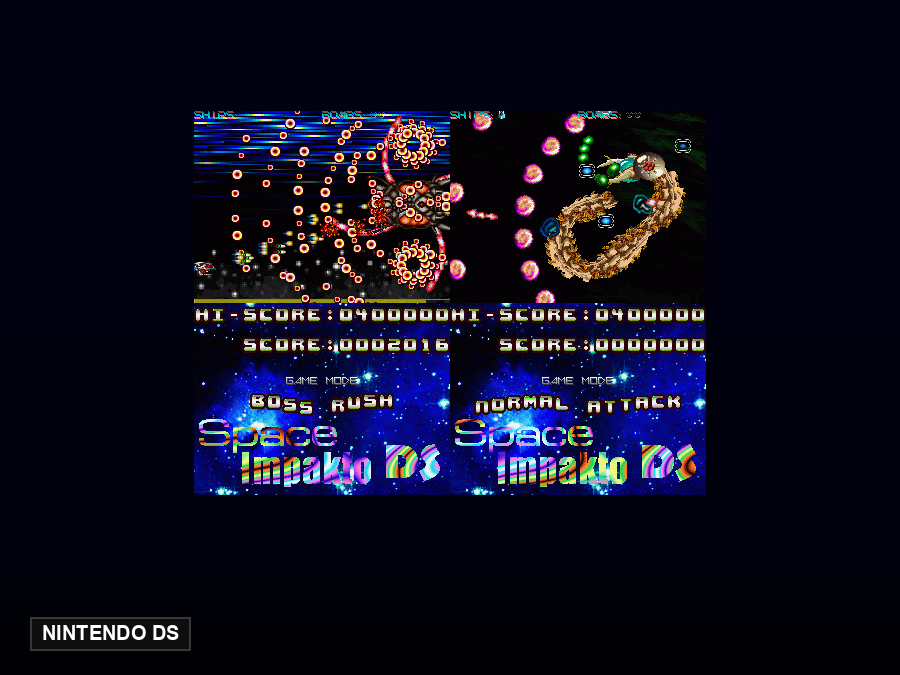
NDS Emulator Online — Play Nintendo DS in Your Browser
This online NDS emulator runs the melonDS core directly in your browser — nothing to download or install. Both DS screens are shown side by side, with the lower screen clickable by mouse; mid-range or better devices run it smoothly. Save states, gamepads and fast-forward are all built in.
Three ways to play
- Built-in free library: every game in our library is open source with its author's blessing — click and play.
- Run your own ROMs: hit "Upload ROM" and pick a local file — it runs in browser memory only and is never uploaded.
- External legal sources: if you have a legally licensed game URL, you can boot it directly.
Features
- Save states — save and resume anywhere
- External gamepad support (Gamepad API)
- Mobile touch controls with landscape layout
- Fast-forward, screen filters and fullscreen
- Interface in 18 languages
Free NDS game library
Every game below is open source and freely redistributable with its author's blessing — click a card to read more and start playing:
Most of these are the original ROMs: the language tag on each card is the language of the ROM, not of this page. We sort them as this page’s language → no text → other languages, so you see what you can read first. When a localised version of a game shows up, we swap the file without changing the link.
The Nintendo DS and its two screens, plus where this page stands
The Nintendo DS launched in North America on 21 November 2004 and in Japan on 2 December the same year. What makes it unusual is not power but shape: two 3-inch TFT screens stacked in a clamshell, each 256×192 at 4:3, with a resistive touch layer over the lower one that works with a finger or a stylus. The main processor is an ARM946E-S at 67 MHz, and a separate ARM7 runs GBA cartridges, which is why it plays the previous generation directly. The two screens were meant to split information, not to cut one large display in half.
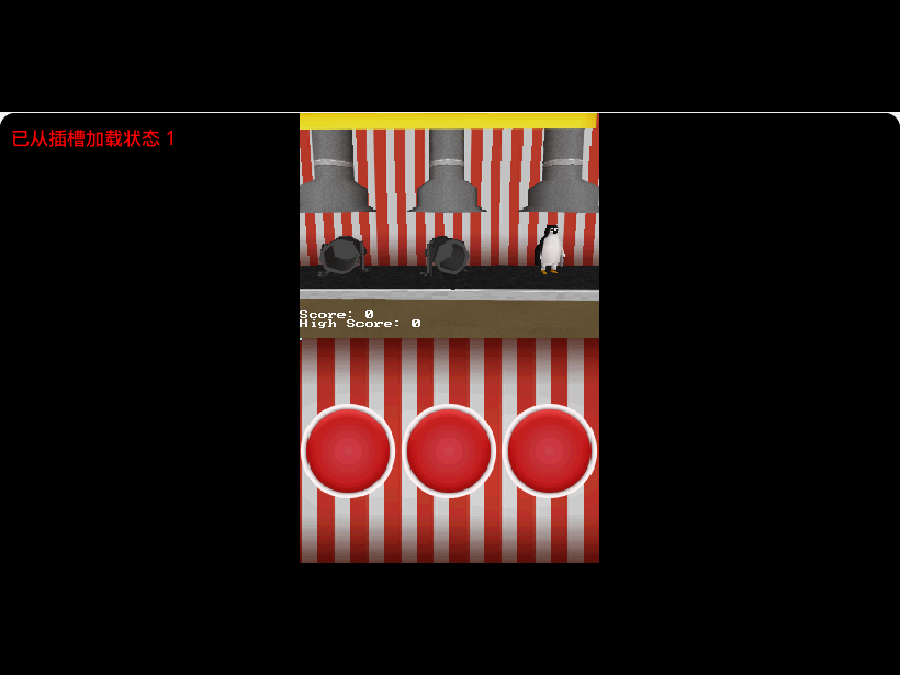
The touchscreen is the part most often misunderstood in a browser: the DS lower screen is resistive, recognises a single point, and reads pressure, and the emulator maps that to a single mouse click or fingertip coordinate. Angled swipes and multi-finger gestures were never part of the hardware, so do not expect two-finger phone gestures to work here. Both screens are stacked vertically on the page, as on the real device. Saves live in your browser and vanish when you clear its data, so export from the emulator menu when progress matters; keyboard, gamepad and touch all work.
Exactly one DS title runs here right now — Space Impakto DS — and the reason is not licensing this time but building: the DS homebrew scene (the devkitPro / libnds ecosystem) is active and releasing, but almost every team publishes source code rather than a compiled ROM. Turning that source into a ROM needs the devkitPro toolchain, and our build machine cannot run one — Homebrew classes our setup (macOS 14 on x86_64) as Tier 3 and no longer ships prebuilt compilers, Docker cannot reach its registry from inside this VM, and MacPorts would mean compiling the whole toolchain from source. So the only DS games we can list are ones somebody else already packaged. If you own a ROM, load it through the bring-your-own-ROM page; the file stays in your browser and is never uploaded.
FAQ
What is an online NDS emulator?
It is a NDS emulation core that runs inside your browser. Open a page and play — nothing to download or install, on desktop and mobile alike.
Is it legal to play here?
This site only features open-source and homebrew games whose authors allow free redistribution. You can also load ROM files you legally own — they run in your browser memory only, never uploaded or stored.
Where are my saves stored?
Saves live in your browser's IndexedDB and survive closing the tab. Clearing browser data deletes them, so use the emulator menu's export feature to back up important progress.
Does it work on mobile?
Yes. On-screen touch controls are built in (landscape recommended), and external gamepads work wherever the browser supports the Gamepad API.