About
A deliberately plain homebrew: no story, no presentation padding — just tic-tac-toe that works, with two modes and three CPU levels.
Written in C with libnds under GPL-3.0; the ROM comes from the author’s own GitHub release, not a re-upload.
Source & project page ↗
How to play Tic Tac DS (Nintendo DS)
Get three in a row — across, down or diagonally. The board is 3×3, players alternate, and if all nine cells fill with no line the game is a draw. The rules need no explanation; what makes this worth opening is that it does the job cleanly: no ads, no timers to wait out, no account.
You start on a menu with exactly two modes: Multiplayer (two people taking turns on the same machine) and CPU Battle, where the computer has three difficulty levels. Measured: pressing a number key changed the screen during the menu, so the menu does read the keyboard; the d-pad produced no visible change in my run, which suggests the menu is driven by the touchscreen rather than by a d-pad cursor.
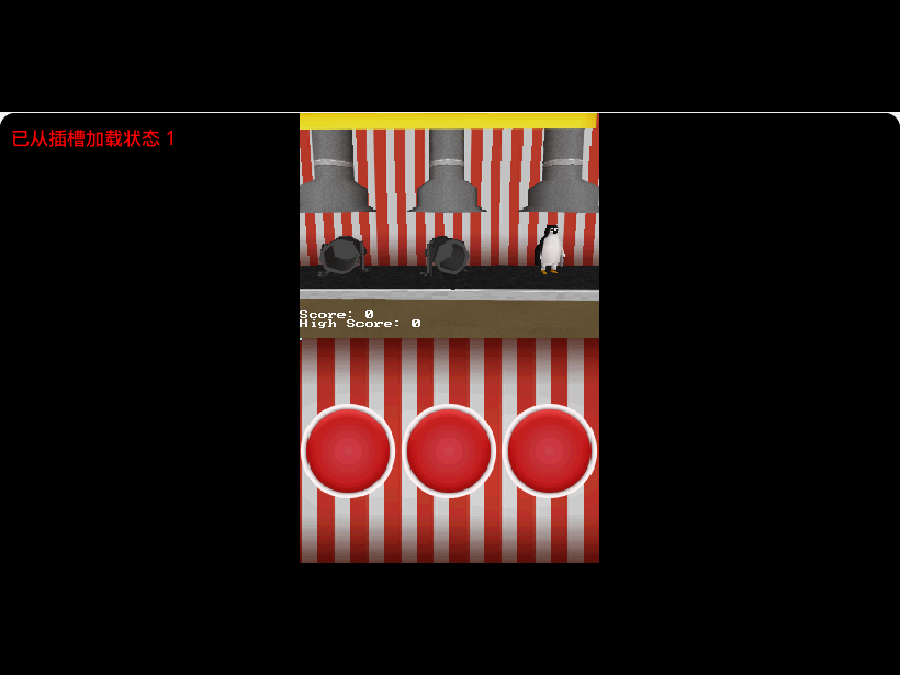
What the first 60 seconds look like: the DS has two 256×192 screens and only the lower one is a touchscreen. In the browser the emulator stacks both screens into one canvas, so the picture looks like one bright panel plus one dark panel — that is the normal shape of a dual-screen handheld, not a display bug.
Three concrete tips and traps
First, take the centre if you move first: the centre cell touches four possible lines, so it is the only opening that never loses value. Second, block before you build — a two-in-a-row from your opponent must be answered immediately; the low-difficulty CPU will miss blocks and the high one will not. Third, keep the screens straight: placing a mark happens on the touchscreen (lower screen), so with a mouse you must click the lower half of the canvas.
The usual place people get stuck is clicking and seeing nothing happen. That is almost always a click on the upper screen (not a touch surface) or on a grid line rather than inside a cell. The other trap is mode selection: there is no press-Enter-to-start; you pick a mode in the menu first.
Controls (including the keys this game does not use)
Touchscreen / mouse: the main input — click a cell to place a mark (a mouse click on the canvas is a stylus tap on the lower screen). A/B/X/Y: the DS face buttons, usable in the menu. Start: confirm/pause-class actions. D-pad: produced no visible change in my run, so do not count on it — prefer touch. L and R shoulder buttons: unused here. Unbound keys do nothing at all, and that is not a fault.
What Tic Tac DS is: a clean take on tic-tac-toe for the DS
One sentence: a turn-based board game — 3×3 tic-tac-toe, two players alternating or one player against the CPU, with no action component and a result inside a minute.
It was written by Jonatan6 in C with libnds (devkitARM toolchain) and released under GPL-3.0, with full source at github.com/Jonatan6/Tic-Tac-DS. The ROM we serve (157,696 bytes) is the author's own 2.5 release build from GitHub Releases, not a re-upload. It is a standard libnds .nds image: the Nintendo logo bytes at header offset 0xC0 (24 FF AE 51) verify, and the unit code is 0x02, i.e. an original DS rather than a DSi-enhanced title.
One concrete difference: it ships a CPU opponent with three difficulty levels instead of a single fixed AI. Optimal tic-tac-toe is public knowledge — perfect play from both sides always draws — so the actual design problem is making a weak CPU look like it makes mistakes without looking random. The difficulty tiers are how the author solved that, and it is why this is worth a session more than the average browser tic-tac-toe page.
Who it suits: anyone who wants a two-minute game against a friend or the CPU without signing up or watching an ad, and households with a child who can read a 3×3 grid. Who it does not suit: players after visuals, audio, story or progression — there is none; it is the board. There are three Nintendo DS games on the shelf right now, and this is both the smallest and the most purely rule-driven of them.
Frequently Asked Questions
Why does clicking the board do nothing?
Most likely you clicked the upper screen — only the lower DS screen is a touch surface — or a grid line rather than the inside of a cell.
Does it need a DS BIOS file?
No. It boots under the melonDS core with no BIOS present, and we do not distribute any Nintendo firmware.
Can two people play?
Yes — Multiplayer mode is two players taking turns on the same machine, no second device needed.
Does the CPU let me win?
Low difficulty misses blocks; high difficulty does not. With perfect play tic-tac-toe always draws, so a draw on hard is the expected result.