The Italian build: Italian words, English menus
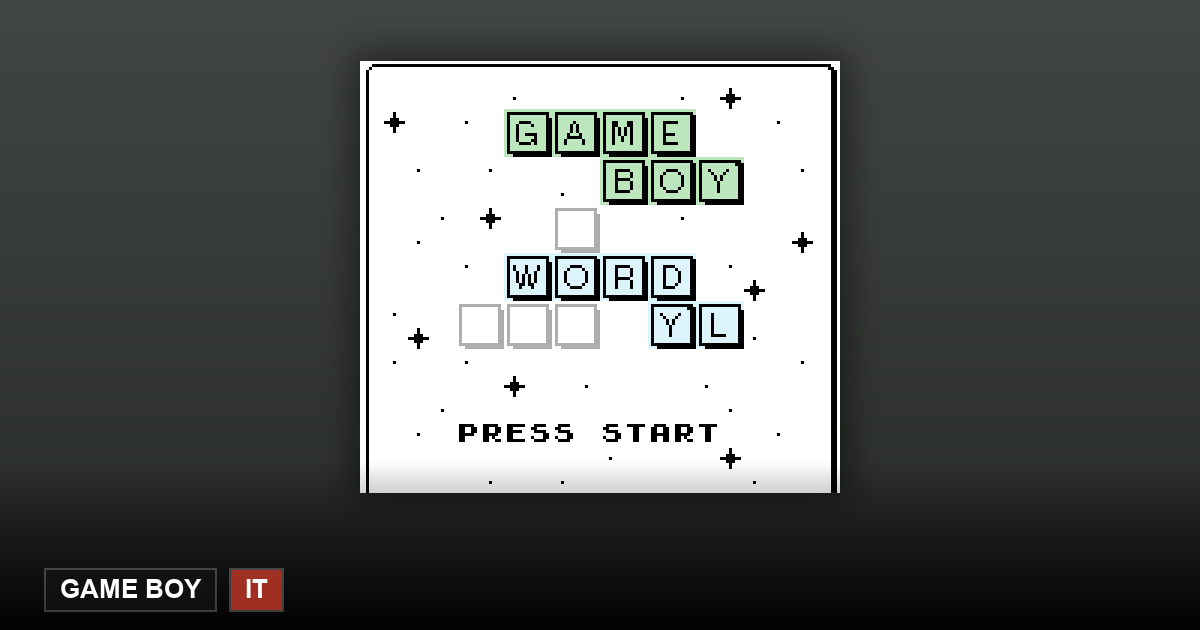
This one needs a clear disclosure up front: the answer list is Italian, but the interface was never translated. Menus, help screen and in-game messages stay in English. That is the real state of this build, not a mistake on this page — and it is why the language badge on the card reads “Italian word list · English UI” rather than simply “Italian”.
The rest is the standard GB-Wordyl package: six guesses per round, on-screen keyboard driven by the d-pad, hard mode that refuses guesses ignoring revealed letters, and win/loss/streak stats stored in the cartridge's battery-backed save.
Should you pick this build or the English one?
If your goal is Italian vocabulary practice, this build is the point: real five-letter Italian words with six probes and no dictionary allowed mid-round. If your goal is a smooth interface in your own language, pick the matching build instead — every other language ships dictionary and menus together.
Either way the keyboard is A–Z only, so Italian words are stored without accents, and stats live in the emulator's virtual SRAM here: clearing browser data resets the streak.
Only 26 letters: what happens to Italian à, è and ù
The author's README states that every language dictionary contains "no words with special chars, just English A-Z letters". So à è é ì ò ù never appear as tiles. Whether words carrying those letters are dropped from the list or respelled in plain letters is not stated in the README, and we have not checked it word by word — on this specific point we have no answer from the author.
What it means in practice: if the Italian word you have in mind is spelled with one of them (for example città, però), either pick a word made of plain letters or try the plain-letter spelling. Do not hunt for that letter on the on-screen keyboard — there is no such key.
One thing we did notice in the source: the README lists Italian among the dictionary languages but does not list Italian among the translated UI languages. That suggests the Italian build's menus may still be in English. We have not checked the IT ROM version by version — if the menus look English to you, that is consistent with what the README implies, not a bug on this page.
Frequently Asked Questions
Is the interface really English?
Yes. Only the dictionary is Italian; the UI translation does not exist for this build yet, which is exactly what the card badge says.
Are the words genuinely Italian?
Yes — the answer list is the project's Italian word list, compiled into its own 32 KB cartridge.
How do I type à è é ì ò ù?
You cannot, and you do not need to: the dictionary uses only the 26 A–Z letters (author's README: "no words with special chars"). Words containing them are either absent from the list or written in plain letters — the README does not say which, and we have not verified it word by word.