About
Max Pirate is a homebrew action game for the original Game Boy by Lemmy Hawkins, released under the permissive MIT license with source code on GitHub.
As an open-source cartridge it's part of the thriving modern Game Boy homebrew scene — small teams and solo developers still shipping brand-new games for 1989 hardware, decades after the last commercial release.
Try it free in your browser: hit "Play now" and the Game Boy core loads client-side, with save states, gamepad support and touch controls on mobile.
Source & project page ↗
What Is Max Pirate? A Homebrew Action Game for the Original Game Boy
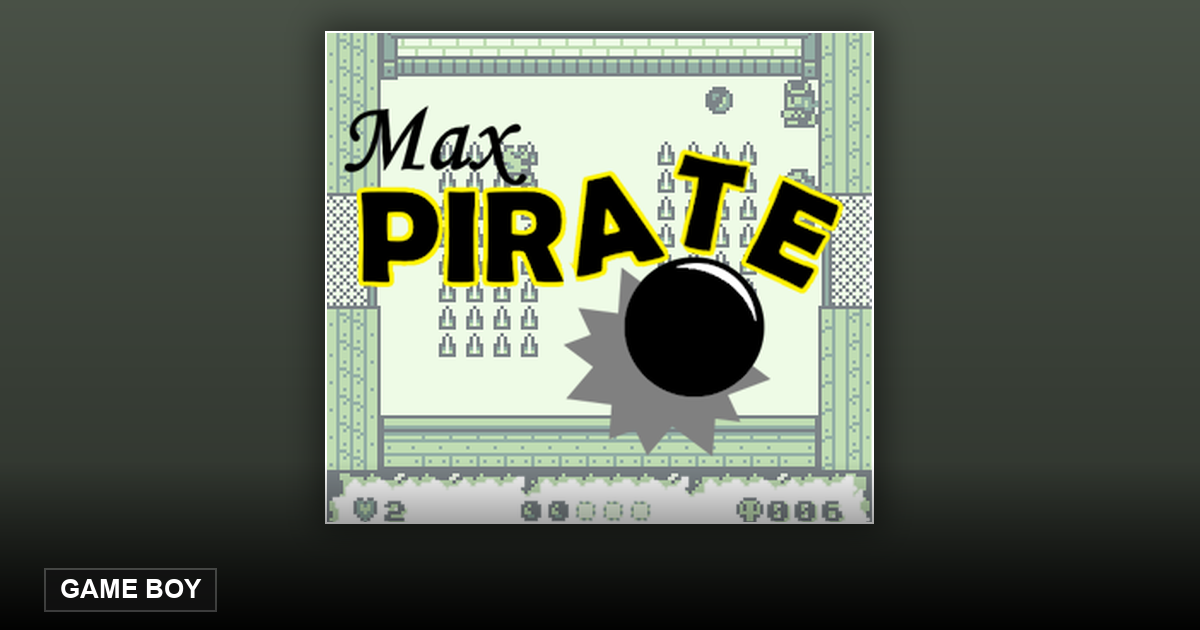
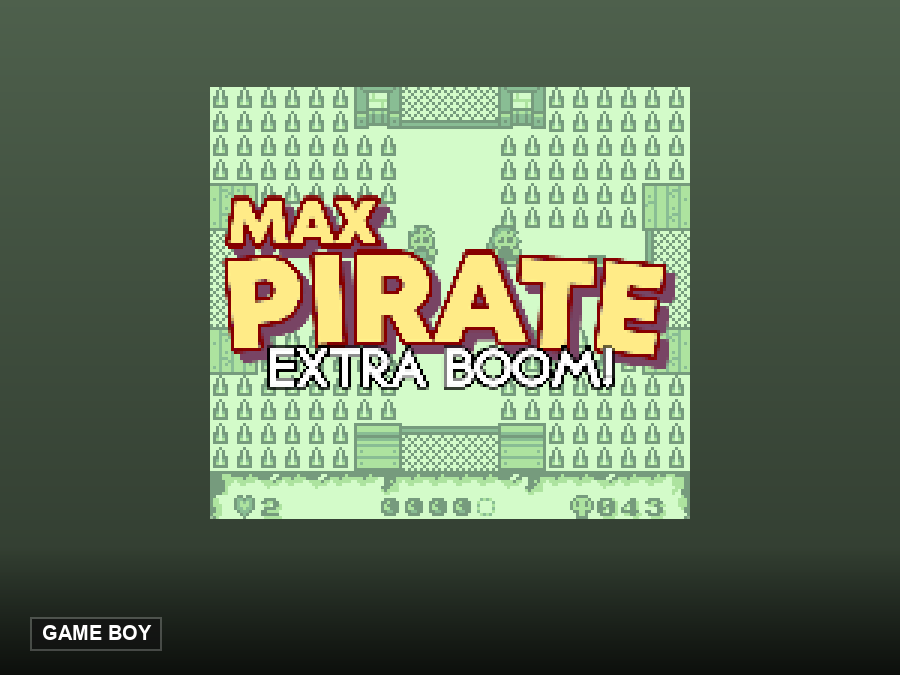
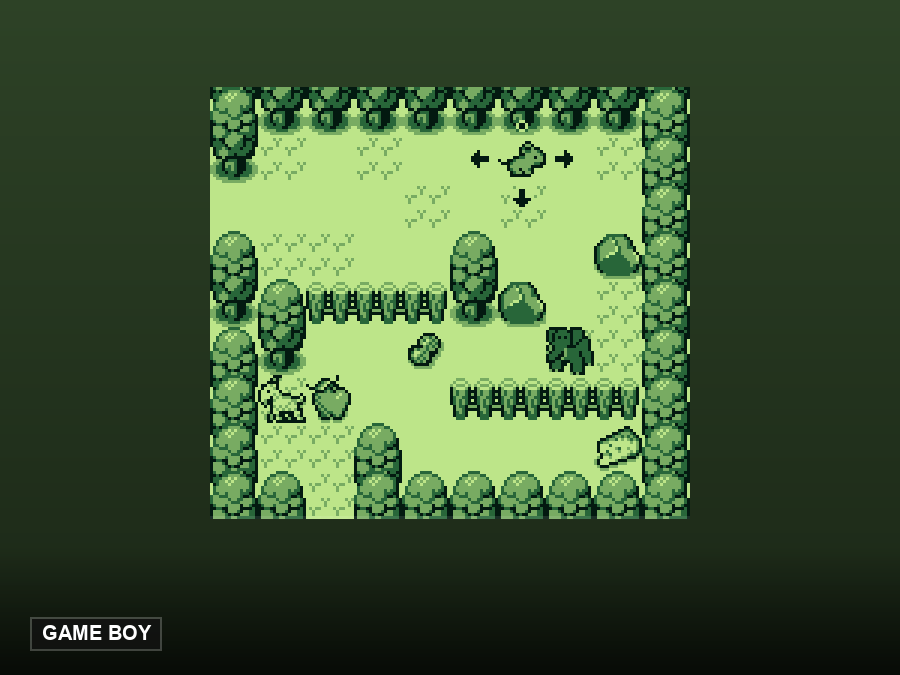
Max Pirate is a top-down action game for the original 1989 Game Boy (the monochrome DMG), built by Lemmy Hawkins with GBDK and released as free open-source software under the MIT license. You play a pirate captain who sails into a port town where, as the author dryly puts it, the locals are "not as lively as expected" — and you're armed with exactly two things: an anchor and a cannon named Bessie.
The whole game fits on a base Game Boy cartridge with no memory bank controller — a deliberate old-school constraint. It was tested on real hardware from the DMG-01 through the Game Boy Color and GBA, and the author considers it complete. The graphics reuse assets from the Game Boy Zelda: Oracle games, with music by beatscribe.
How to Play: Anchor and Cannon Controls
The controls are classic Game Boy simple: A swings your anchor in melee, B fires Bessie the cannon, and Start starts or pauses the game. On a keyboard, A is Z, B is X and Start is Enter; the D-pad is the arrow keys. Gamepads are plug-and-play, and phones get virtual buttons automatically.
Melee with the anchor is your reliable friend — it hits hard and costs nothing. The cannon reaches farther but you'll want to ration your shots and keep enemies at anchor's reach when things get crowded. Watch enemy patterns, pick your moments, and clear the town block by block.
A Love Letter to the DMG
Part of Max Pirate's charm is its constraints: monochrome green-tint graphics, four shades, chiptune music through the DMG's tiny speaker — and it all works on the very first Game Boy model ever made. The author tested it across the whole Game Boy family, and it runs on emulators equally well (it was developed against BGB and real hardware).
For homebrew fans it's also a readable codebase: MIT-licensed, built with GBDK 4.0.5, with graphics from the Oracle asset packs and audio through hUGEDriver and CBT-FX. It's the kind of complete, finished, documented project the Game Boy homebrew scene does best.
Frequently Asked Questions
Is Max Pirate free to play?
Yes. It's open-source homebrew under the MIT license, and this site runs it free in your browser — no download required.
What's the story?
You're a pirate captain arriving at a port town where the locals are mysteriously "not as lively as expected." The rest you discover with an anchor in one hand and a cannon in the other.
What are the controls?
A swings the anchor (melee), B fires the cannon, Start pauses. Keyboard: Z = A, X = B, Enter = Start, arrows = D-pad. Gamepads and touchscreens work automatically, and all keys are remappable in the emulator menu.
Does it run on real Game Boy hardware?
Yes — it was designed for a base cartridge (no memory bank controller) and tested on real hardware from the original DMG-01 through the Game Boy Color, GBA and GBA SP. In the browser it just works.
Is the game finished?
Yes — the author considers it complete. It's a small, polished action game rather than an endless one, which makes it perfect for a coffee-break session.