Game BoyGPL-3.0
Wordyl (French) · Play Free Online
bbbbbr
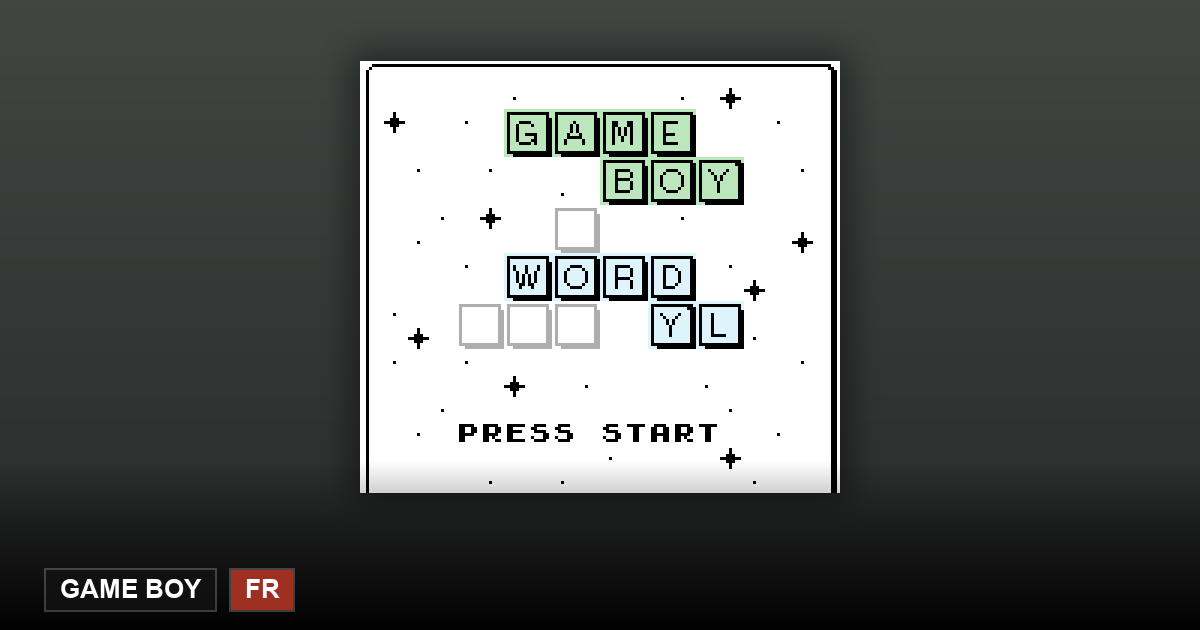
Wordyl (French) is a free Game Boy game you can play right in your browser. This page is in English while the ROM we have right now is French; we will swap in an English ROM as soon as one is available.
Note: this page is in English, but the ROM available right now is French. You can still play it — every explanation on this page is in English, and we will swap in an English ROM as soon as we find one, without changing the link.
Play nowThe first launch downloads the emulator core — please wait a moment.
What the French build actually is
The word list is French and so is the interface — this is a separate 32 KB build, not the English game with a translated menu. For anyone learning French it is a genuinely useful drill: six guesses, real five-letter French words, and no dictionary lookup allowed mid-round.
One rule shapes everything: the keyboard carries only A–Z, so every word is stored without accents and without the cédille. Words you would normally write with an accent circonflexe appear plain here. The project applies the same rule to all seven language builds so the cartridges stay the same size.
Where French makes the puzzle harder
French five-letter words lean on silent final letters and on repeated vowels, which changes your opening. An English-style spread of five different letters tells you less here than a probe that places two vowels early and tests one high-frequency consonant. Hard mode then forces you to reuse whatever the board revealed, so a loose second guess is expensive.
Wins, losses and the streak live in the cartridge's battery-backed save, which in the browser is the emulator's virtual SRAM: clearing site data resets the streak.
Only 26 letters: what happens to French é, è and ç
The author's README states that every language dictionary contains "no words with special chars, just English A-Z letters". So é è ê à ç ù ô î ï œ never appear as tiles. Whether words carrying those letters are dropped from the list or respelled in plain letters is not stated in the README, and we have not checked it word by word — on this specific point we have no answer from the author.
What it means in practice: if the French word you have in mind is spelled with one of them (for example être, garçon), either pick a word made of plain letters or try the plain-letter spelling. Do not hunt for that letter on the on-screen keyboard — there is no such key.
Frequently Asked Questions
Do I need French to play?
You need to be able to produce five-letter French words, and the menus are French too. Complete beginners should open the English build instead.
Why no accents in the words?
The keyboard is A–Z only, so all word lists are stored without accents — a deliberate constraint shared by every language build.
How do I type é è ê à ç ù ô î ï œ?
You cannot, and you do not need to: the dictionary uses only the 26 A–Z letters (author's README: "no words with special chars"). Words containing them are either absent from the list or written in plain letters — the README does not say which, and we have not verified it word by word.