Metroid (the 1986 NES original) in your browser — with a ROM you supply
This page is about the 1986 Metroid for the Nintendo Entertainment System — the original, not Super Metroid (1994), not Metroid Dread. It covers running it in our browser emulator from a ROM you backed up from your own cartridge, and the one thing that makes this game different from every other page in this series: it has no battery save.
Open the player (upload panel already open)File you need: .nes
What the 1986 game is, and why it still feels modern
Metroid was released for the NES in Japan on 6 August 1986. Its North American release is dated July or August 1987 depending on the source — the discrepancy is in the record, not in the game — and it reached Europe on 15 January 1988. Nintendo developed and published it.
The design is the reason people still talk about it. It is not a stage-by-stage platformer: it is one connected underground world you explore without a map, gated by abilities you find. Doors you cannot open at minute two become openable an hour later, and the game does not tell you which. That structure — a world that opens as you change — is the thing Super Metroid refined and every "metroidvania" since has copied.
It is also famously lonely and slightly hostile as a design choice: sparse music, a lot of dead ends, and a map you draw in your head or on paper. If you have only played its descendants, playing the original is instructive precisely because it refuses to help you.
How to run it here, step by step
Nothing is uploaded; the ROM is read locally by the emulator.
- Open the player from the link at the bottom of this page — /play/ with the upload panel open.
- Click or drag in your file. You need a .nes dump of Metroid from your own cartridge.
- The NES core is chosen automatically from the extension.
- The core is small, so first launch is quick compared with 16-bit and 3D systems.
- Press Enter (Start). Write down the password the game gives you before you close the tab — see below for why.
Keyboard mapping
Arrow keys move, Z is A (jump), X is B (fire), Enter is Start, V is Select. Shift is unbound.
Metroid uses Select to switch between missiles and the beam, which surprises people who never press it. If you cannot fire a missile, that is the button you are missing.
| NES button | Keyboard |
|---|---|
| D-Pad | ↑ ↓ ← → |
| A | Z |
| B | X |
| Start | Enter |
| Select | V |
Saving: passwords plus save states
The original Metroid has no battery. It saves with a password: the game shows you a code, and you type it back in later. That is the real save system, and it is worth photographing the screen rather than trusting memory.
The emulator adds save states, which is a bigger deal here than on the other games: a state captures the entire machine, so you can stop mid-corridor without a password at all. Keep both — the password is your portable backup (it works on any copy of the game), and the state is your convenience.
One warning specific to this game: Metroid is easy to get lost in, and save states make it tempting to keep reloading instead of learning the map. That is fine. Reloading is how you learn it.
The legal part, stated plainly
We provide no game file and no link to one. Use a dump of your own cartridge; whether that is permitted where you live is your call to make with your own local rules.
Nintendo sells this game on its own subscription service, which is the cleanest legal route if you want one — and also a reason we are careful not to pretend we are that.
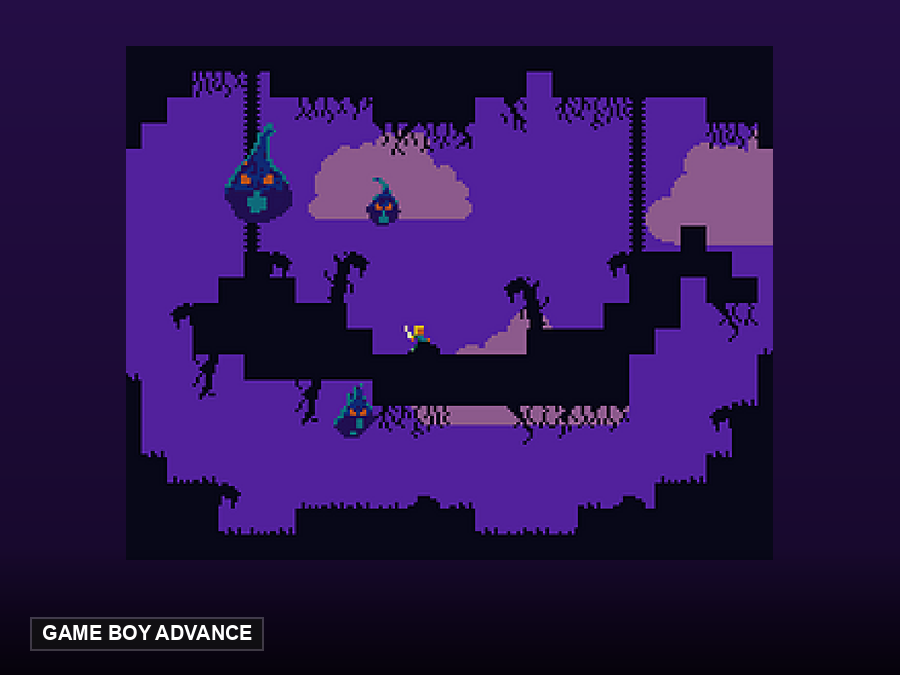
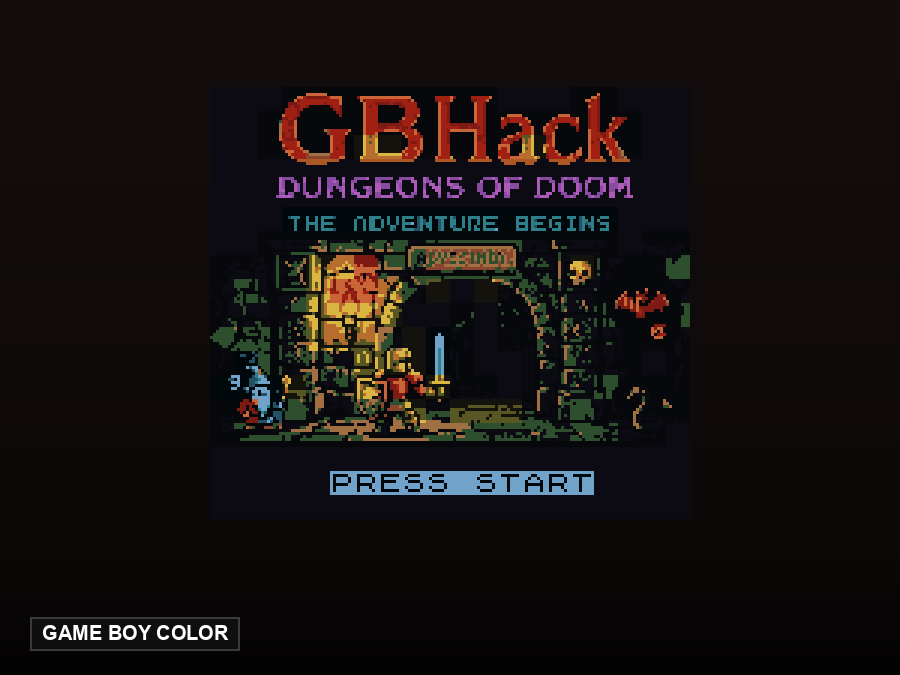
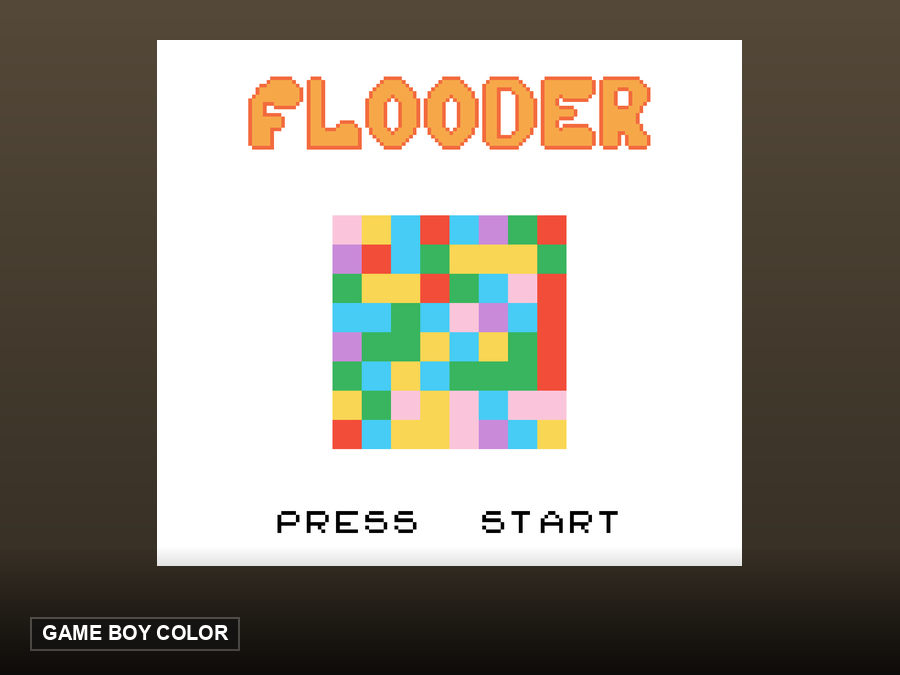
Legal games you can play right here, without providing anything
These are open-source homebrew games hosted by this site. They start in one click — no ROM needed, because their authors released them for redistribution.
FAQ
Which Metroid is this page for?
The 1986 NES original. Super Metroid (SNES, 1994) is a different game and a different ROM; the load steps here are the same, but you would pick the SNES core with a .sfc file.
Does it have battery saves?
No. It uses passwords. The emulator adds save states on top.
Which file do I need?
A .nes dump of your own cartridge.
Is there a map in-game?
No. That is not a missing feature — the game was designed without one.